
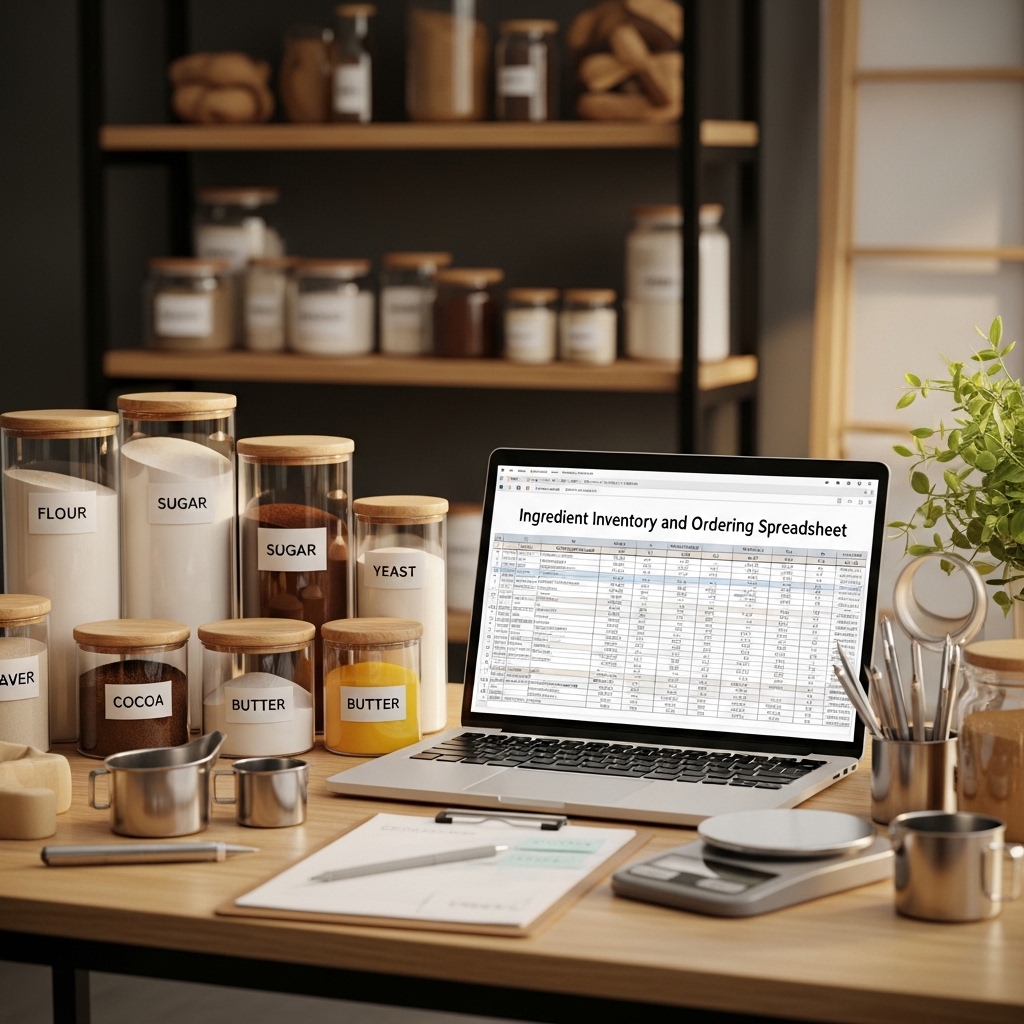
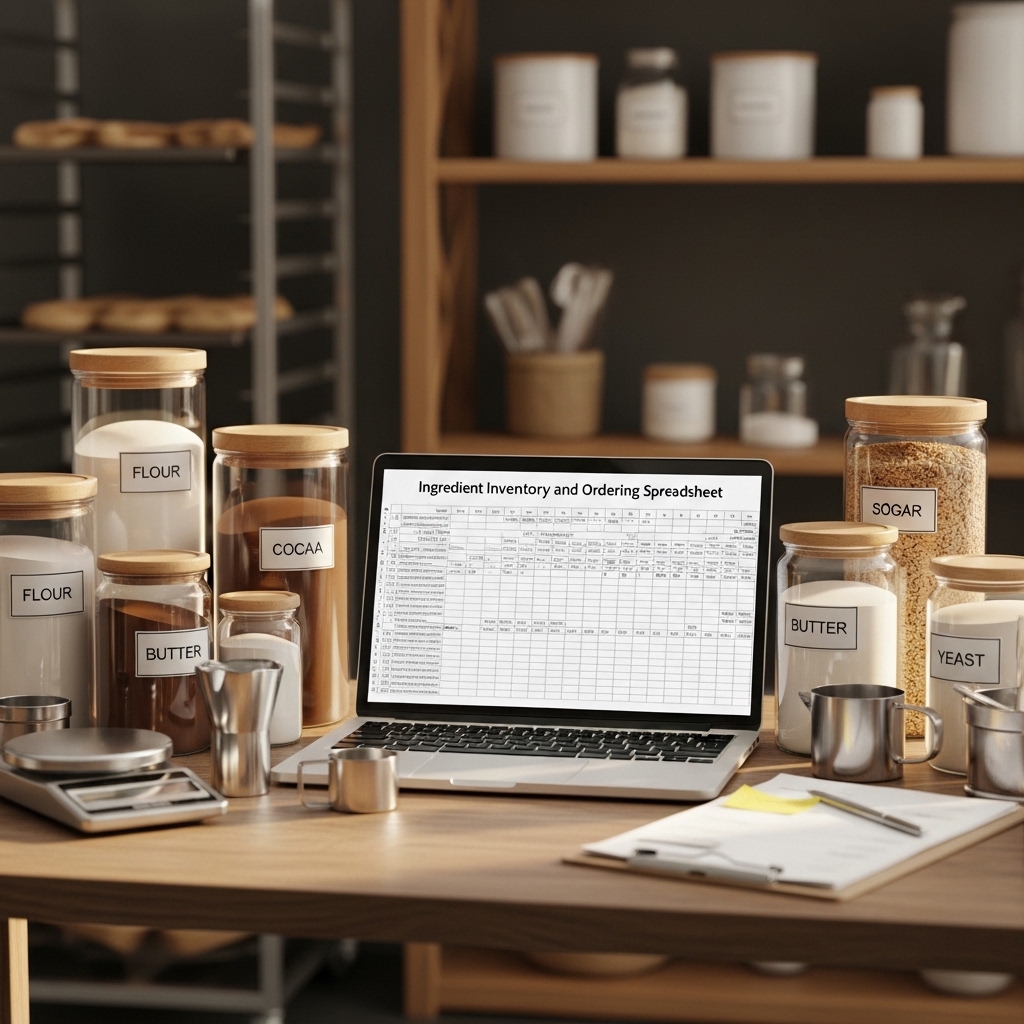
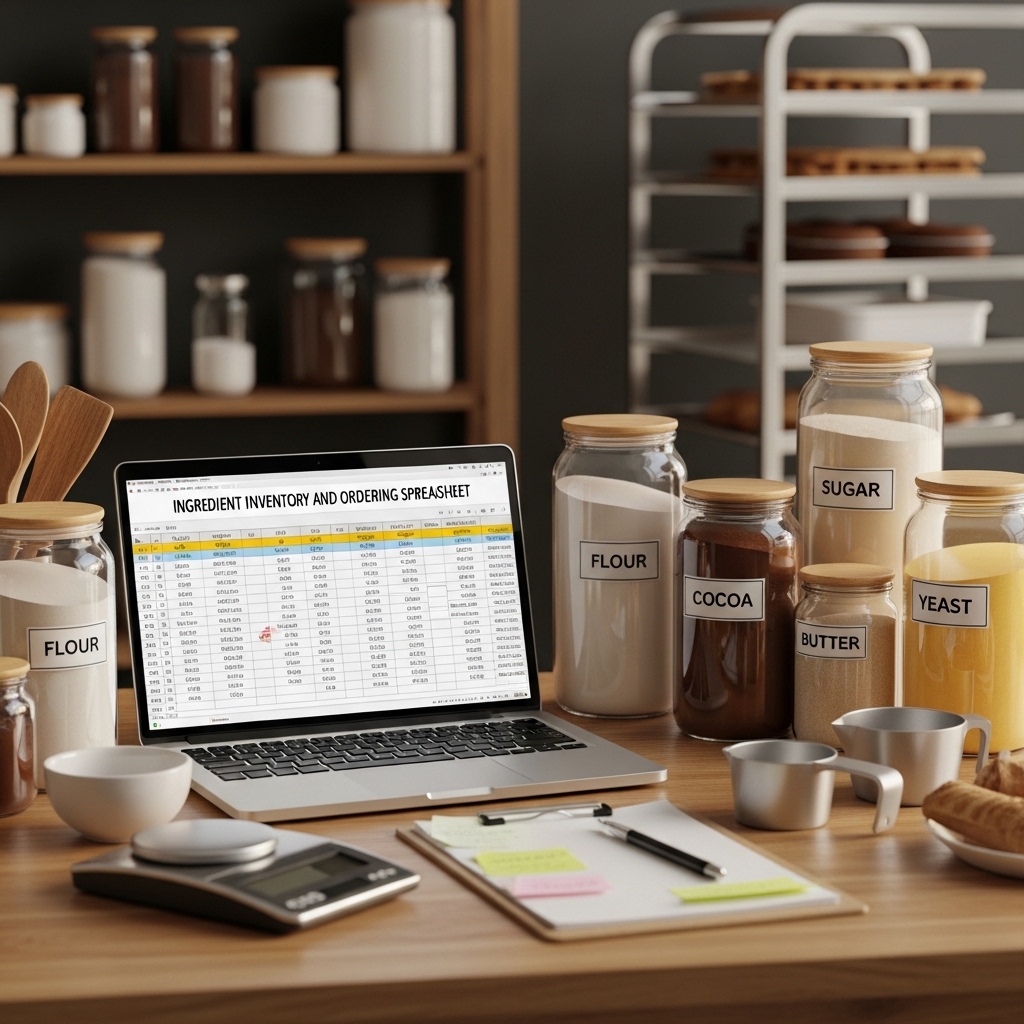
Ingredient Inventory and Ordering Spreadsheet
The Real-Time Stock Control, Usage Tracking, and Automated Order Calculation System for Artisan Bakeries
The flour bag that runs out on a Thursday morning.
Not empty — low enough on Thursday morning that there is not enough for the full Friday bread production, a problem that becomes apparent at 6 AM when the first batch is scaling, too late to order more before the supplier’s Thursday cut-off, which means the bakery is either running a reduced product range on Friday or someone is driving to a retail supplier to buy flour at three times the ingredient cost.
This is an inventory problem. And inventory problems are the category of operational problem that is almost entirely preventable with a system — because unlike equipment failures or staff illness, running out of ingredients announces itself slowly and with plenty of warning if someone is watching the numbers.
The Ingredient Inventory and Ordering Spreadsheet watches the numbers.
📥 Digital download. Excel and Google Sheets. Operational from day one.
THE SPREADSHEET ARCHITECTURE — EVERY SHEET IN DETAIL
SHEET 1: THE INGREDIENT DATABASE
The Master Ingredient Record
Every ingredient the bakery uses, documented with the information the ordering system needs to function:
Identification: The ingredient name, the supplier, the supplier product code (the code used on the supplier’s order system — the code that prevents ordering the wrong product when a supplier carries multiple grades of the same ingredient), and the ingredient category (flour, sugar and sweeteners, dairy, eggs, fat and oil, leavening, fruit and flavoring, nuts and seeds, chocolate and cocoa, spices and botanicals, packaging, other).
Purchase specifications: The unit as purchased (the 25kg sack, the 5kg bag, the 1-litre bottle, the 12-unit tray), the cost per purchase unit from the current supplier invoice, the cost per gram or millilitre (auto-calculated — the normalized unit cost that makes comparing supplier prices meaningful), and the delivery lead time (how many days between placing an order and receiving the delivery).
Stock management parameters: The minimum stock level (the quantity below which the system flags a reorder alert — calculated from the usage rate and the delivery lead time to ensure the bakery never reaches zero before the next delivery arrives), the target stock level (the quantity the stock is brought up to when ordering — the amount that balances storage space against the frequency of ordering), and the current stock quantity (updated each time an inventory count is performed or a delivery is received).
Storage requirements: The storage location (the specific area of the bakery where this ingredient is stored — the specification that makes stock counting systematic rather than a search operation), the storage conditions (ambient, chilled, frozen, dry and dark), and the FIFO note (the rotation requirement that ensures older stock is used before newer stock). 📦
SHEET 2: THE LIVE INVENTORY DASHBOARD
The Stock Status View
The operational view: every ingredient sorted by stock status, color-coded to communicate urgency at a glance.
🔴 BELOW MINIMUM — ORDER NOW: Ingredients where current stock has fallen below the minimum level. These items will run out before the next scheduled delivery if not ordered immediately. The calculation showing how many days of production the current stock level covers at the current usage rate.
🟡 APPROACHING MINIMUM — ORDER SOON: Ingredients within 20% of the minimum level. These items should be included in the next order. The calculation showing the days of stock remaining.
🟢 ADEQUATE STOCK: Ingredients with sufficient stock for the delivery lead time. No action required.
⚪ OVERSTOCKED: Ingredients significantly above the target stock level. A flag to reduce or skip on the next order — the stock level that indicates previous over-ordering or a demand reduction that has not been reflected in the minimum stock calculation.
The Inventory Value Summary
The total value of ingredients currently in stock, broken down by category. The working capital tied up in ingredients inventory — the number that motivates the right minimum stock levels rather than comfortable overstocking. 💰
SHEET 3: THE USAGE TRACKING SYSTEM
The Daily Usage Log
The record of ingredient consumption each production day: the date, the product batch produced, the ingredient quantities used in each batch (auto-populated from the product recipe database if the recipe data has been entered, or manually entered if not), and the running total of each ingredient consumed in the current week.
The usage log serves three functions: it updates the live inventory balance (so the stock status dashboard reflects actual consumption, not just initial stock count), it builds the usage history that makes minimum stock level calculations data-driven rather than estimated, and it provides the raw data for the food cost analysis in Sheet 6.
The Spoilage and Waste Log
The separate record for ingredients discarded due to spoilage, contamination, or quality failure: the ingredient, the quantity discarded, the reason, and the cost of the discarded stock. The running monthly spoilage cost that surfaces whether specific ingredients are being ordered in quantities too large for their shelf life. The data that triggers minimum stock level reductions for high-spoilage ingredients. 🗑️
SHEET 4: THE AUTOMATED ORDER CALCULATOR
The Order Generation Tool
The spreadsheet’s most powerful feature: the automatic calculation of what needs to be ordered, in what quantity, from each supplier.
The calculation for each ingredient below or approaching minimum stock level: the current stock quantity, minus the projected consumption before the next delivery (usage rate multiplied by delivery lead time in days), the resulting stock at delivery arrival, and the order quantity required to bring stock up to the target level.
The output: a supplier-organized order list, one list per supplier, showing the product code, the product name, the order quantity in purchase units, and the order total cost. The list formatted for direct transmission to the supplier — the copy-and-paste order that takes five minutes rather than the manual stock check and order compilation that takes forty-five minutes and produces errors. 📋
The Order History Log
Every order placed: the date, the supplier, the items ordered, the quantities, the total cost, and the delivery date. The record that makes it possible to identify delivery pattern issues (the supplier who consistently delivers late, requiring a longer lead time assumption in the minimum stock calculation), to track price changes over time, and to document the bakery’s purchasing pattern for supplier relationship management.
SHEET 5: THE SUPPLIER MANAGEMENT SYSTEM
The Supplier Contact Database
Every supplier: the account name, the account number, the primary contact name and role, the telephone number, the email address, the ordering method (online portal, email, phone call), the order cut-off day and time, the typical delivery day, and the delivery lead time in days. The reference that means a new staff member or an emergency order situation does not require finding the supplier’s details in an email thread from six months ago.
The Supplier Price Comparison Tool
For key ingredients purchased from multiple potential suppliers: the side-by-side price comparison by normalized unit (cost per 100g or per litre), accounting for delivery charges and minimum order values. The tool that makes the answer to “should we switch flour supplier?” a calculated comparison rather than a gut feeling. 📊
The Delivery Receiving Checklist
The quality control protocol for accepting ingredient deliveries: the temperature check for chilled and frozen deliveries, the date checking procedure (the batch and best-before verification that ensures no short-dated stock is accepted), the quantity verification against the delivery note, the quality inspection for visible damage or contamination, and the stock location procedure (the FIFO rotation protocol and the stock location assignment for the incoming delivery).
SHEET 6: THE FOOD COST ANALYSIS
The Recipe Costing Tool
The ingredient cost calculation for each product: every ingredient in the recipe by weight, the cost per gram from the ingredient database, and the total ingredient cost for the recipe. The yield input (the number of units the recipe produces), the ingredient cost per unit, the packaging cost per unit, and the total direct cost per unit.
The margin calculation: the retail price minus the total direct cost equals the gross profit per unit. The gross margin percentage. The contribution margin — the amount each unit contributes to covering overhead and generating profit.
The Weekly Food Cost Report
The weekly food cost percentage: the total ingredient cost consumed in the week (from the usage log) divided by the total revenue from the week’s sales. The food cost percentage target by bakery type (the benchmark ranges for artisan bakery operations at different scales and formats), and the trend chart showing the weekly food cost percentage over the trailing twelve weeks. The number that tells the baker whether the business is performing within viable margins or whether something in the production cost or pricing model needs to change. 📈
📂 COMPLETE FILE LIST
📊 Complete inventory and ordering spreadsheet (Excel + Google Sheets, all 6 sheets, fully formula-linked) | 📖 Setup and configuration guide — entering products, recipes, and suppliers (PDF) | 📋 Delivery receiving checklist (print-ready PDF) | 📝 Sample populated version demonstrating all system functions

Reviews
There are no reviews yet.